See It In Action
Plugin Walkthrough
Follow the complete workflow from launching the plugin to exporting your animated skeleton loader.
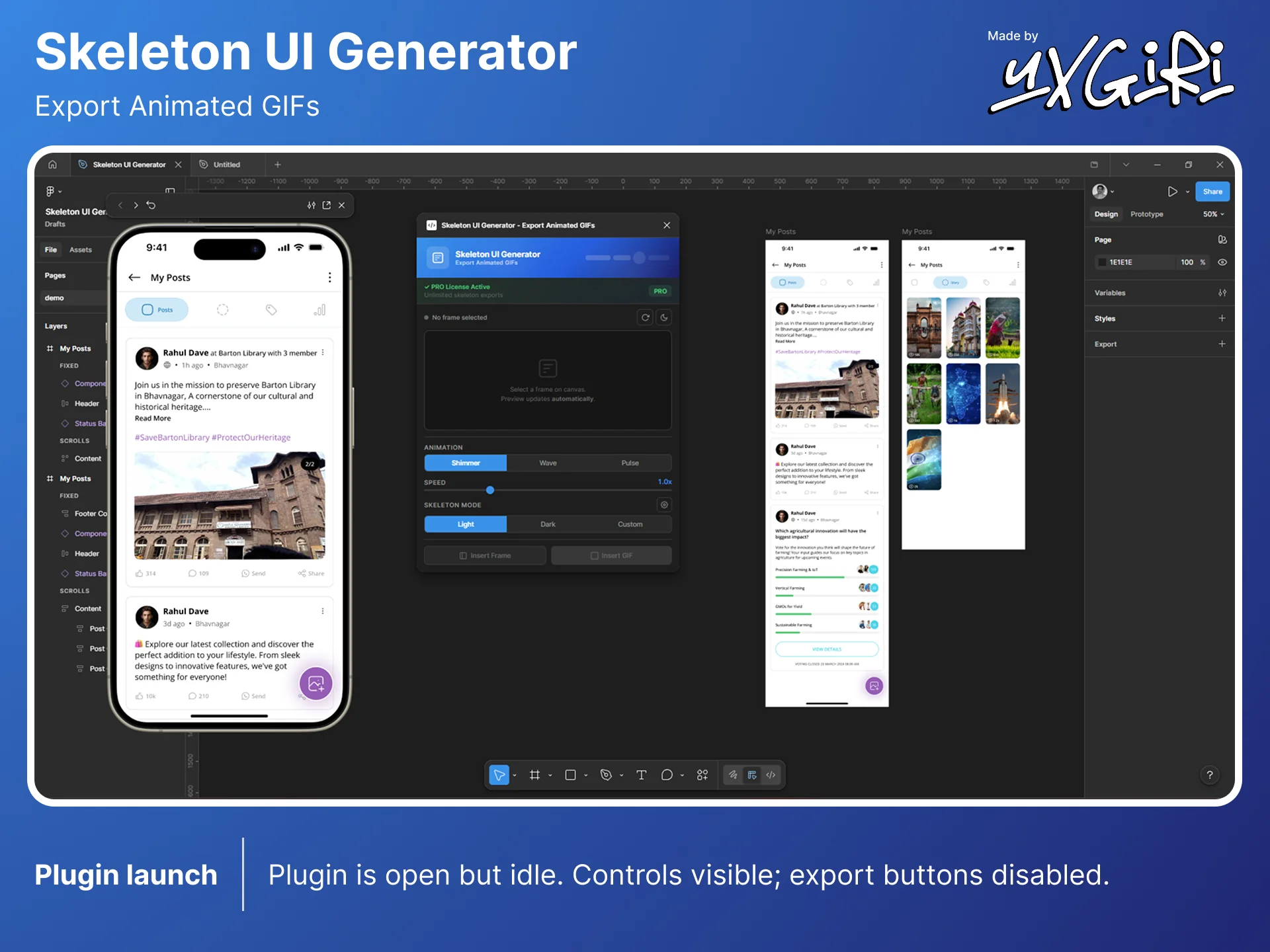
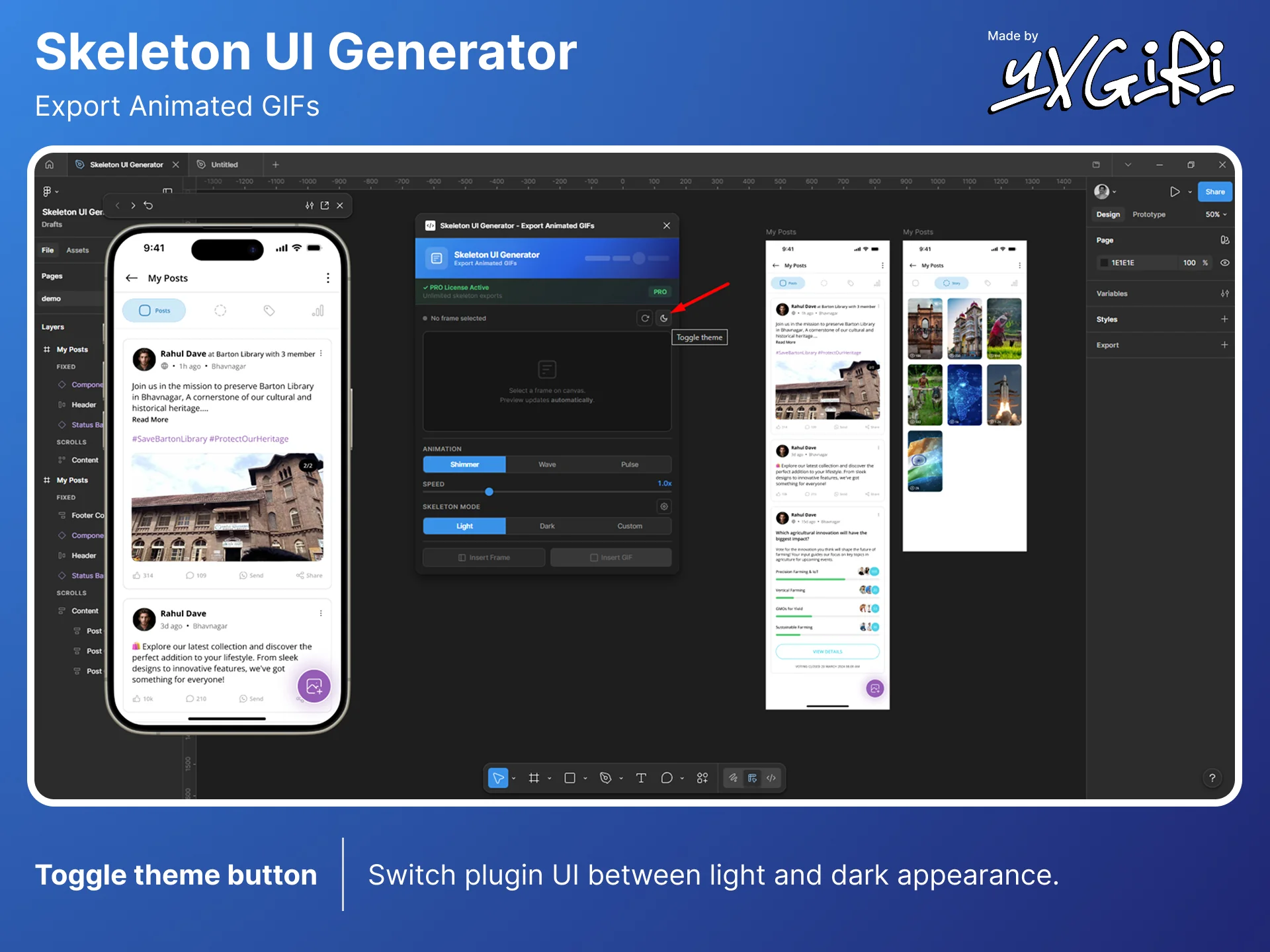
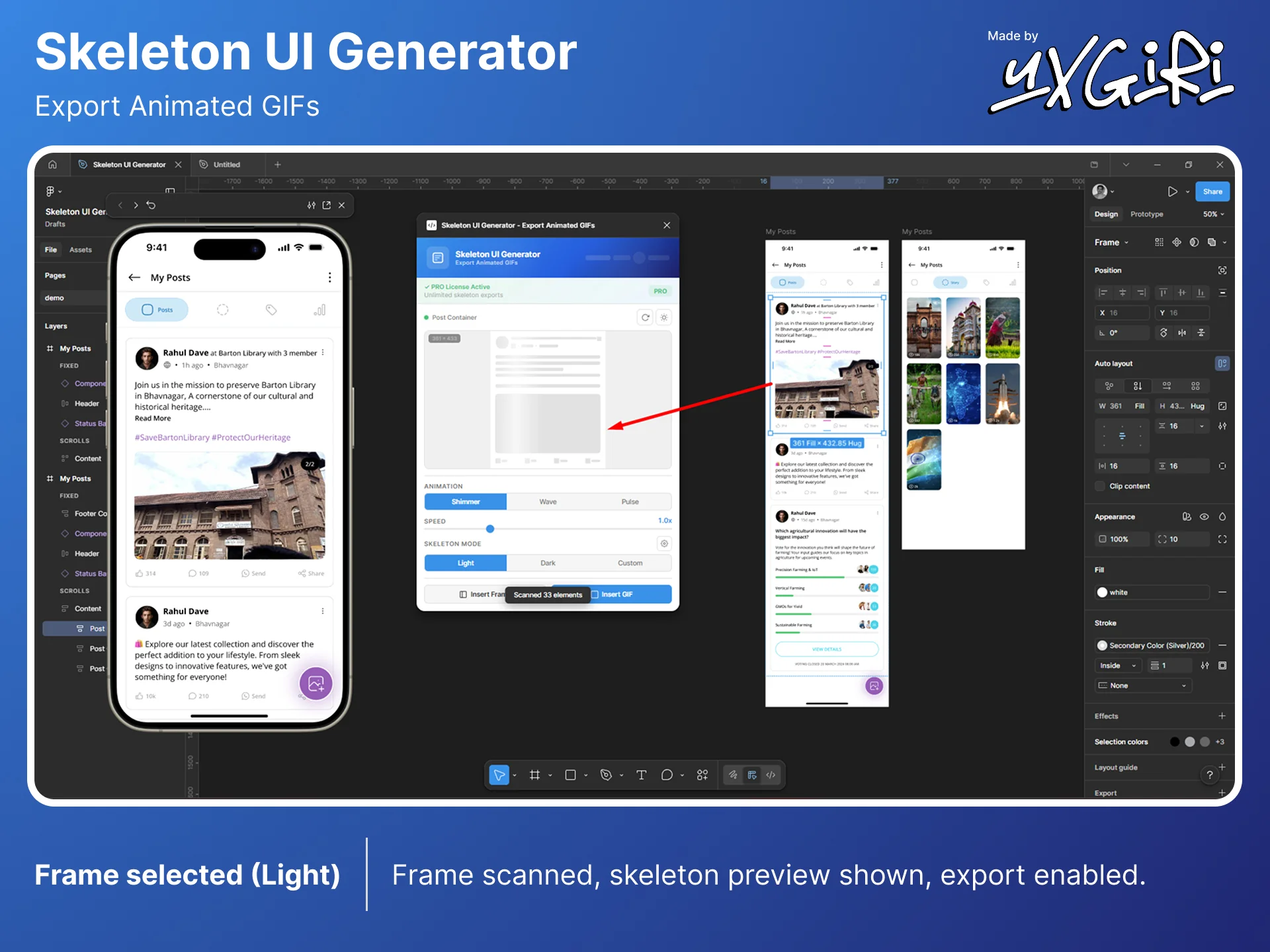
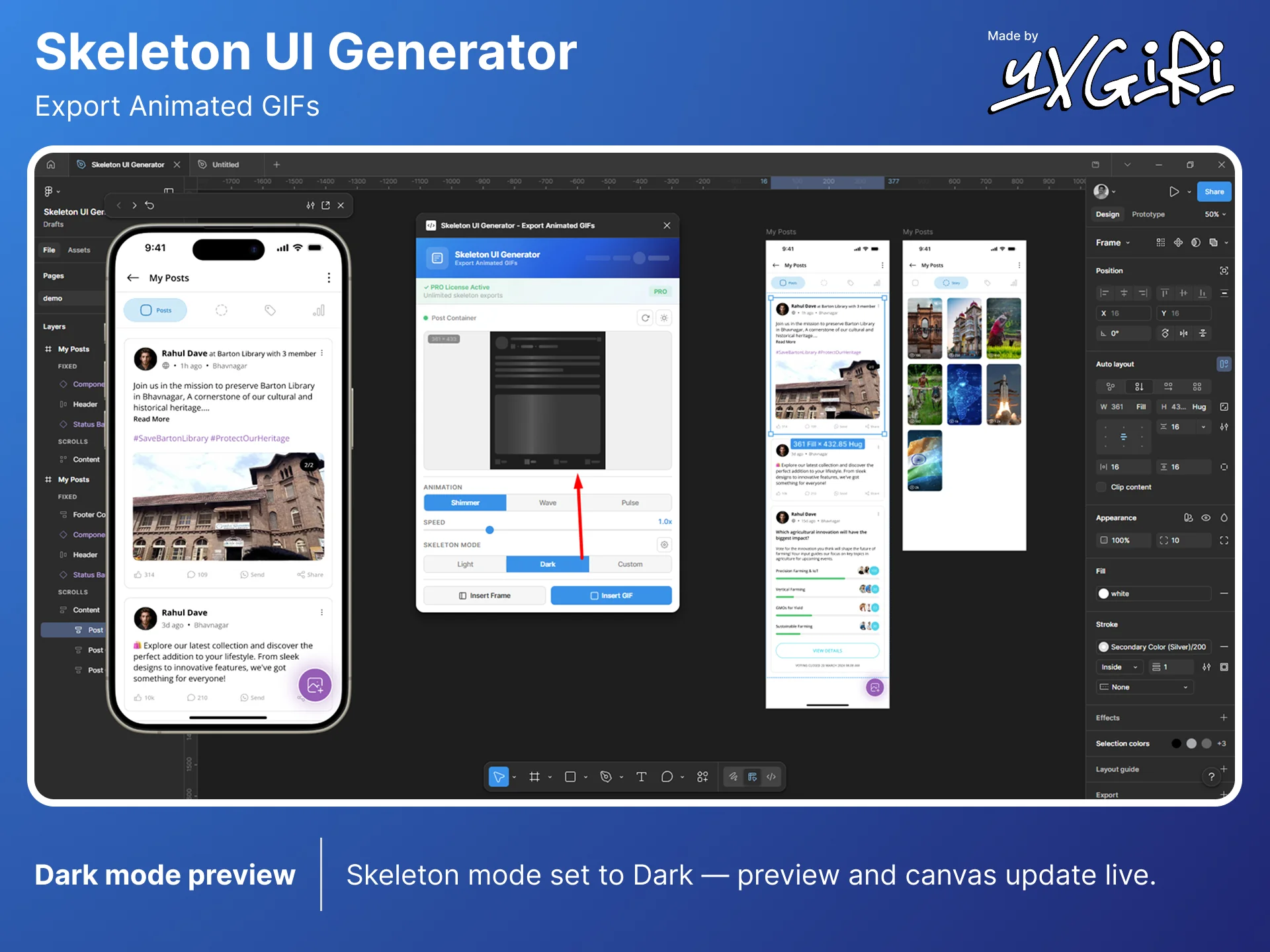
Generate beautiful skeleton loading screens from any Figma frame. Export as animated GIF or editable frame in seconds.
Powerful features designed to streamline your loading screen workflow directly inside Figma.
Automatically scans your selected frame and converts every element - text, shapes, images - into skeleton bones.
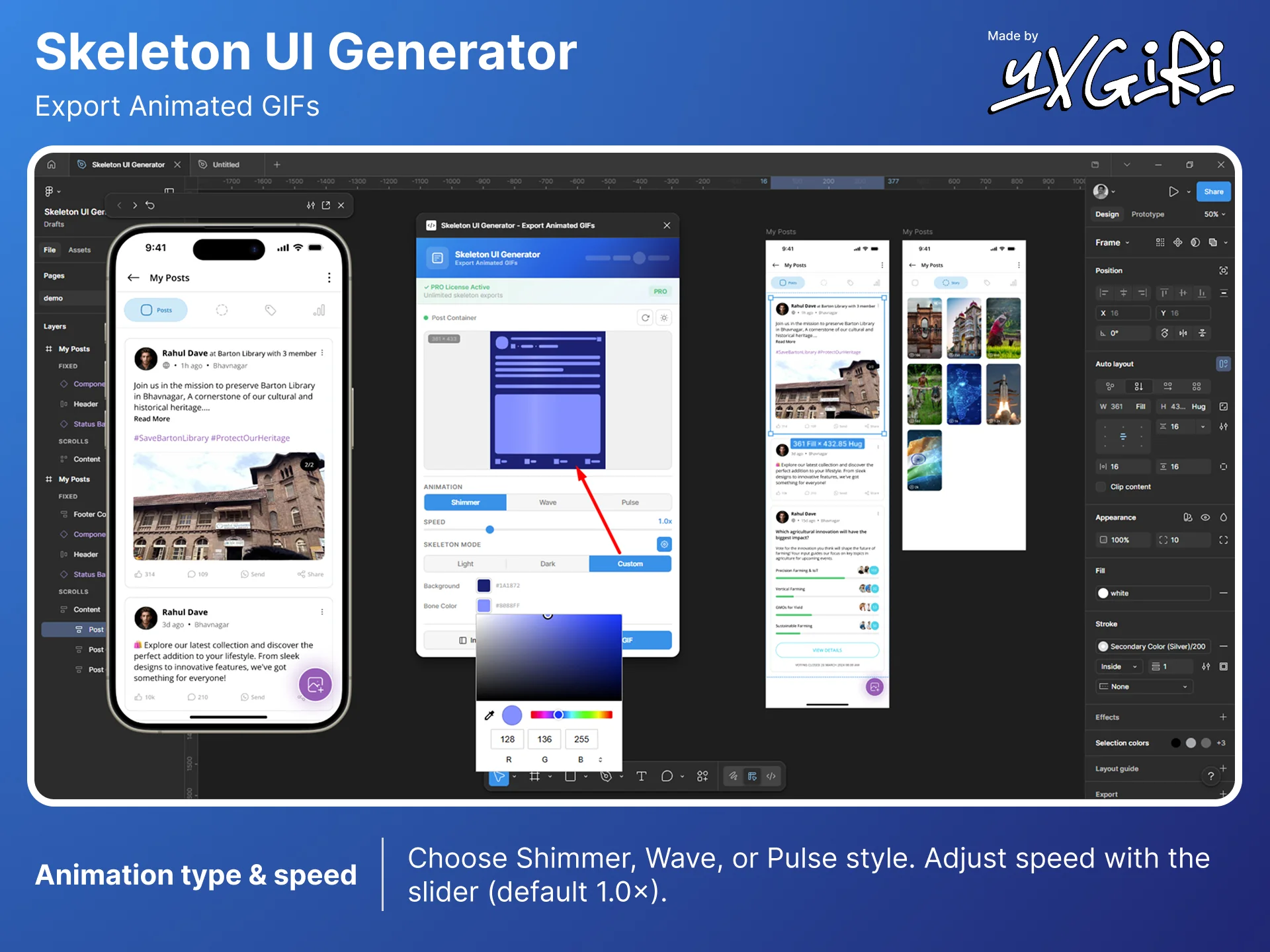
Choose from Shimmer, Wave, or Pulse animations. Each one is smooth, performant, and production-ready.
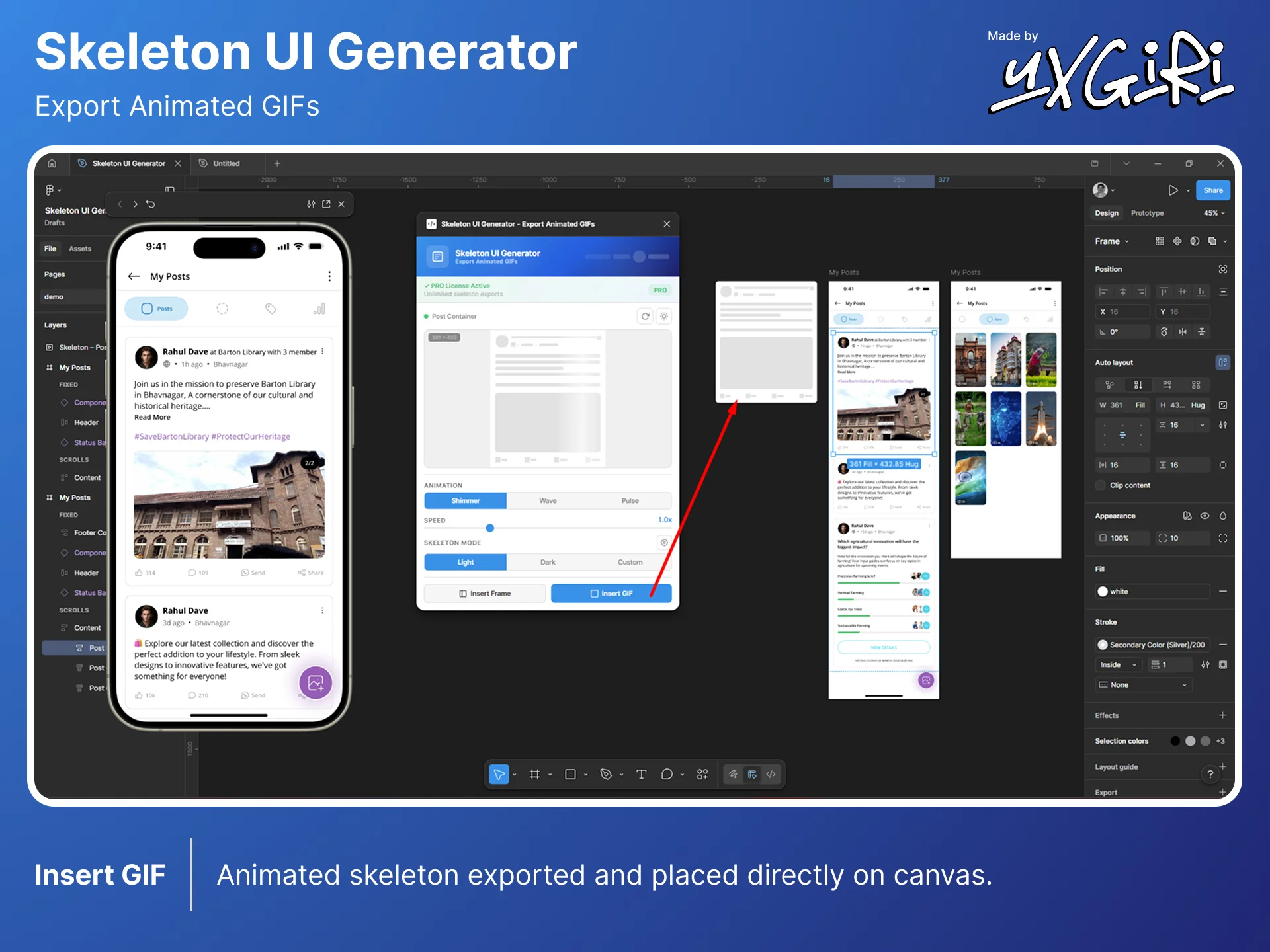
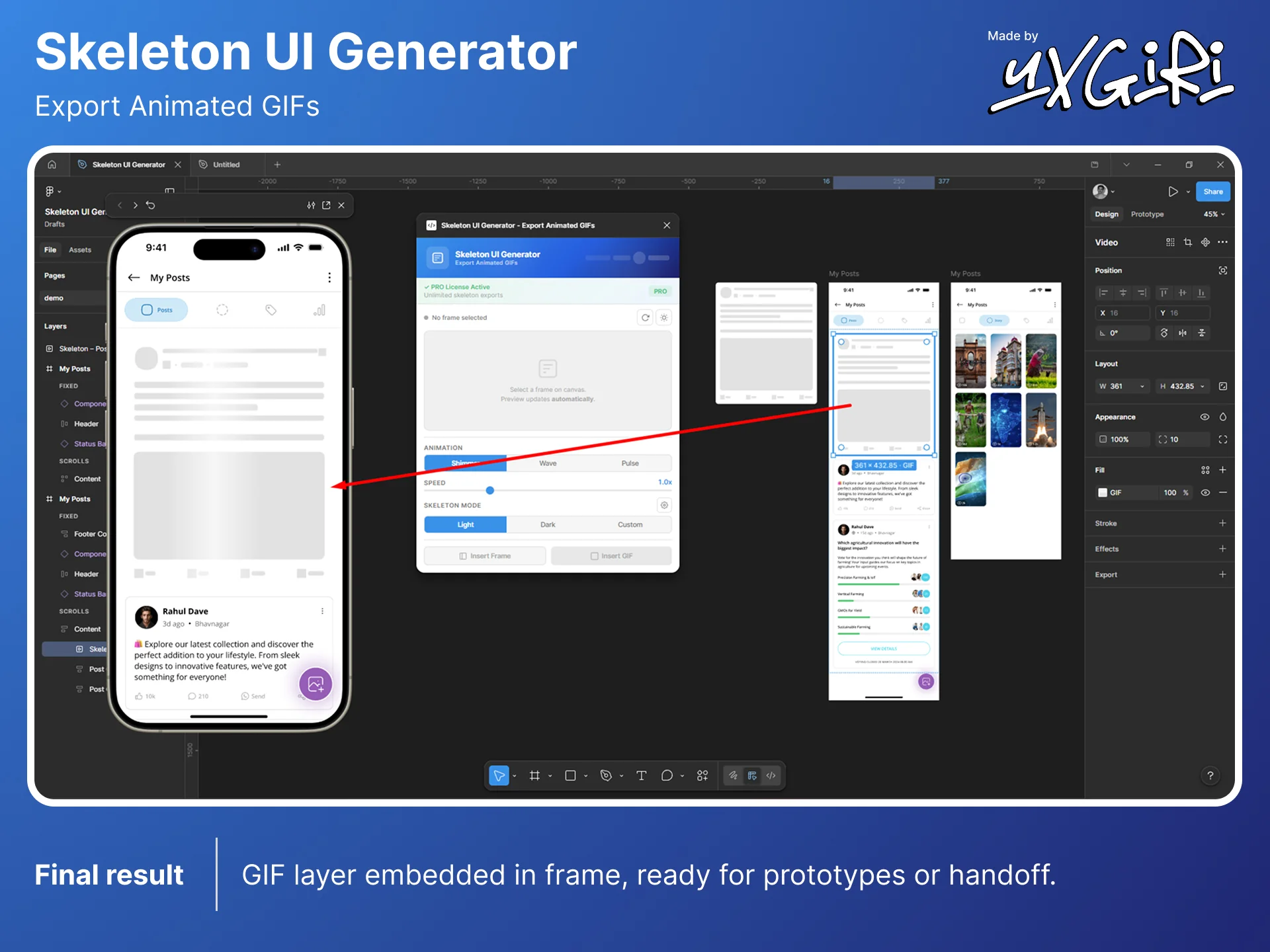
Generate animated GIF files directly inside Figma. Perfect for design specs, handoffs, and presentations.
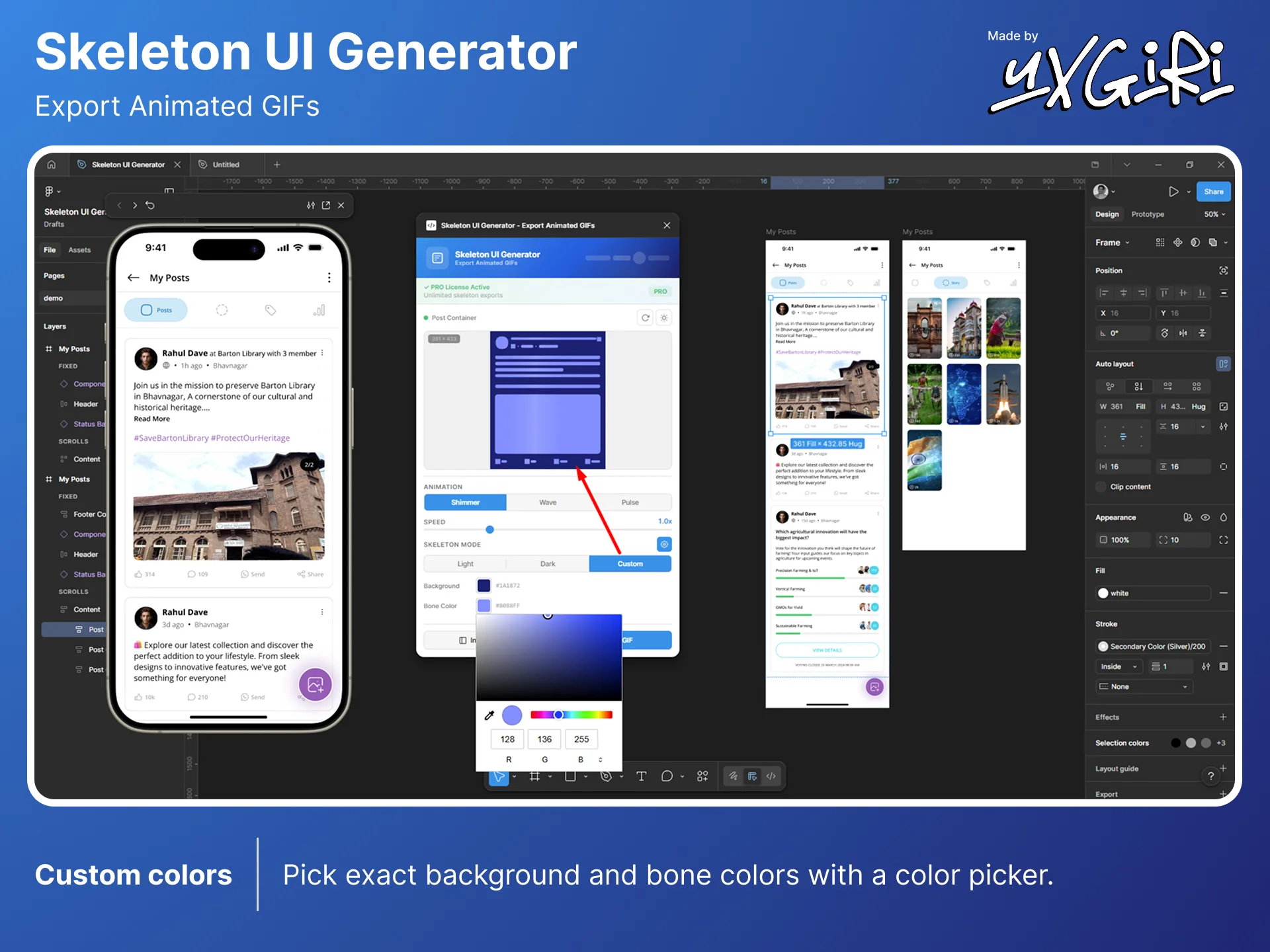
Full color customization with light, dark, and custom themes. Match your brand's loading experience perfectly.
Insert an editable skeleton frame directly onto your canvas. Every bone is a separate, customizable rectangle.
Real-time animated preview updates as you select frames. See exactly what your skeleton will look like before exporting.
From frame to animated skeleton in under 10 seconds.
Click on any frame or component in your Figma canvas. The plugin auto-detects all elements.
Choose your animation type, speed, and color theme. See changes instantly in the live preview.
Insert as an animated GIF or editable frame directly onto your canvas. Done!
Follow the complete workflow from launching the plugin to exporting your animated skeleton loader.
Three carefully crafted animation styles to match your product's loading experience.
A sweeping light effect that glides across skeleton bones. The most popular loading pattern used by Facebook, LinkedIn, and YouTube.
A cascading wave that flows through each bone sequentially. Creates a natural, rhythmic loading feel.
A gentle fade in/out effect. Simple, elegant, and perfect for minimal design systems.
Pay once, use forever. No subscriptions, no hidden fees.
Everything you need to know about Skeleton UI Generator.
A skeleton loader (or skeleton screen) is a placeholder UI that mimics the layout of content while it's loading. Instead of showing a blank page or spinner, skeleton screens give users a preview of the page structure, improving perceived performance and user experience.
Yes! The free version includes 3 skeleton exports with all animation types. Upgrade to PRO for unlimited exports, custom colors, and priority support.
You can export as animated GIF (placed as an image on your canvas) or as an editable Figma frame with individual skeleton bone rectangles that you can customize further.
Yes! All plans are one-time payments. Pay once, use forever. No recurring charges or subscriptions. You also get lifetime updates included.
After purchasing, you'll receive a license key via email. Open the plugin in Figma, click "Upgrade to PRO", enter your license key, and click "Activate PRO". It's instant!
If you're not satisfied, contact us at yash.achintya@gmail.com within 14 days of purchase for a full refund. No questions asked.
Join designers who are shipping better loading experiences with Skeleton UI Generator.
Install on Figma - It's Free